
# Albums
In this section are the user's albums. Albums are content containers that work like folders, grouping media files with support for nested sub-albums and privacy controls.
See Album for full details on how albums work, including privacy settings, sub-albums, sharing, likes, and embed codes.
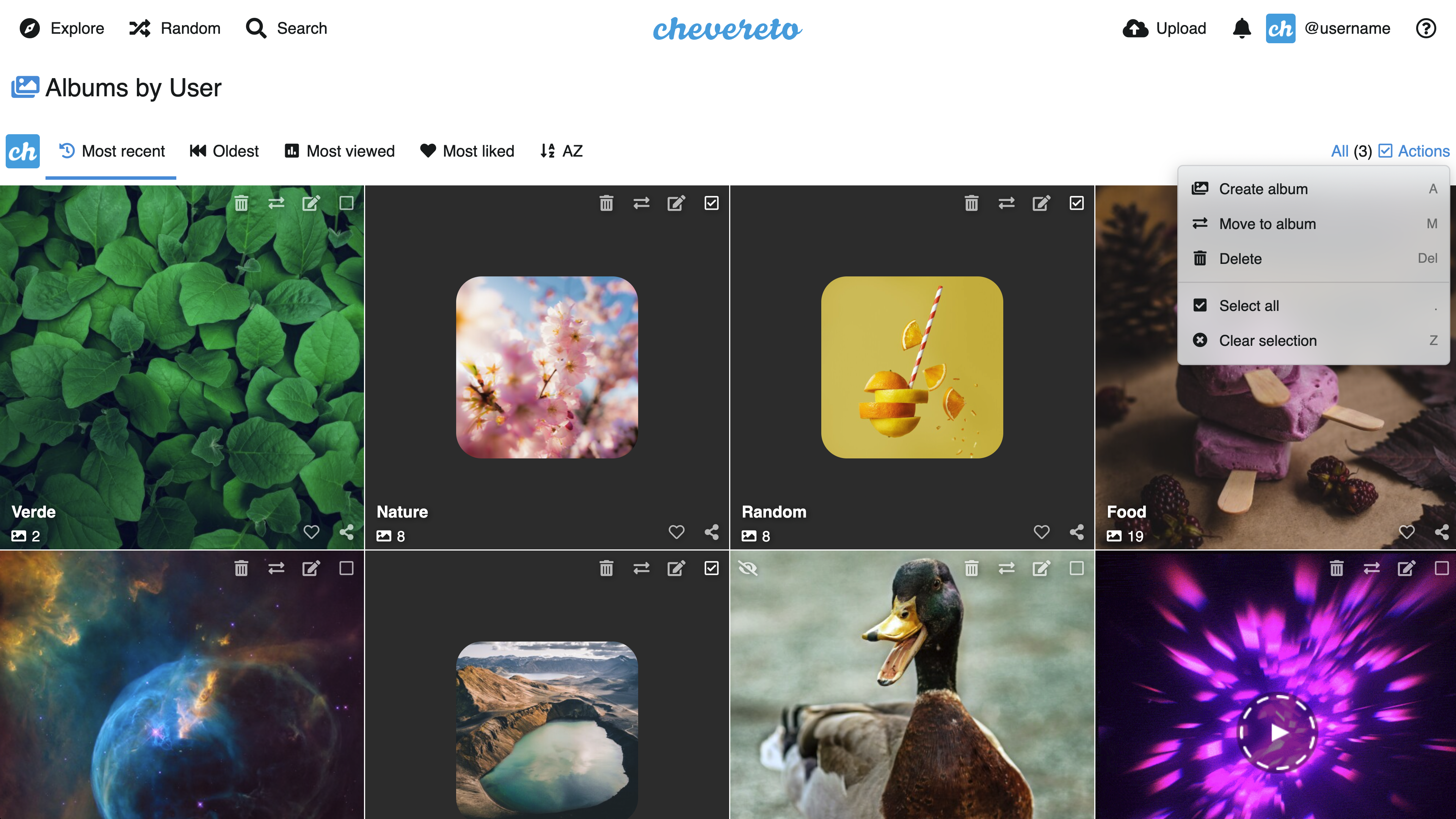
# Access my albums
- In the top bar, click on the User Icon (requires Login)
- Click on Albums
# Create new album
From any user section:
- Click on Create new album (requires Login)
- Complete and submit the form
- When finished, you will be redirected to the newly created album
You can also create a new album directly from the upload page after completing an upload:
- After the upload finishes, click the Create new album link that appears in the post-upload area
- Complete and submit the form
- All the files just uploaded will be moved into the new album automatically
← Color Palette Liked →