
# Liked
This section displays all media and albums that you have marked as liked. It acts as a personal collection of favourited content across the site.
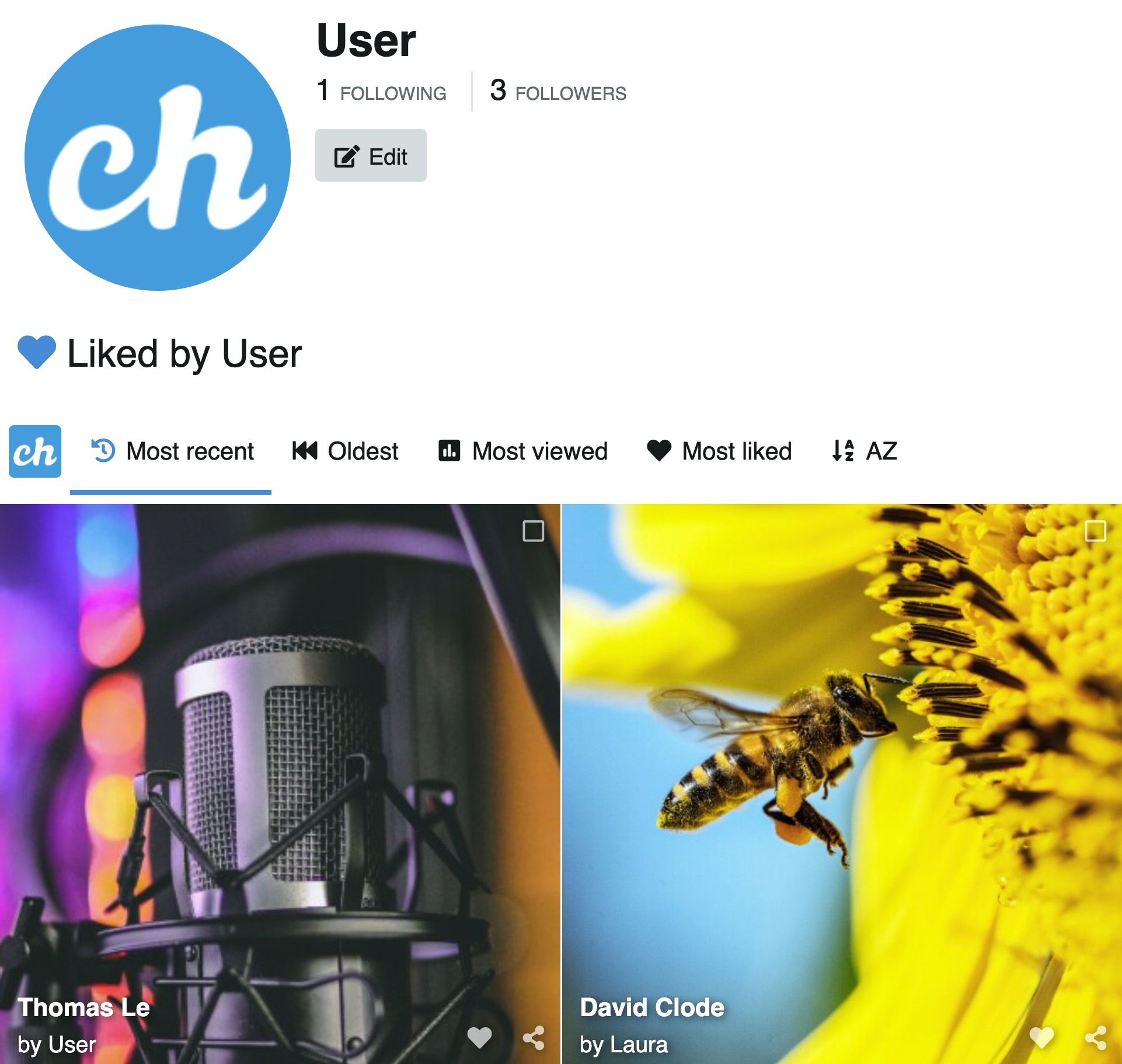
# Accessing Liked
- In the top bar, click on the User Icon (requires Login)
- Click on Liked
Or navigate directly to /{username}/liked.
# Liking content
To like a media item or album:
- Click the heart icon on any media or album thumbnail
- Or open the media and click the Like button, or use the
Lkeyboard shortcut
# Unliking content
To remove a like, click the heart icon again on any content you have previously liked. The item will be removed from this section.