
# Notifications
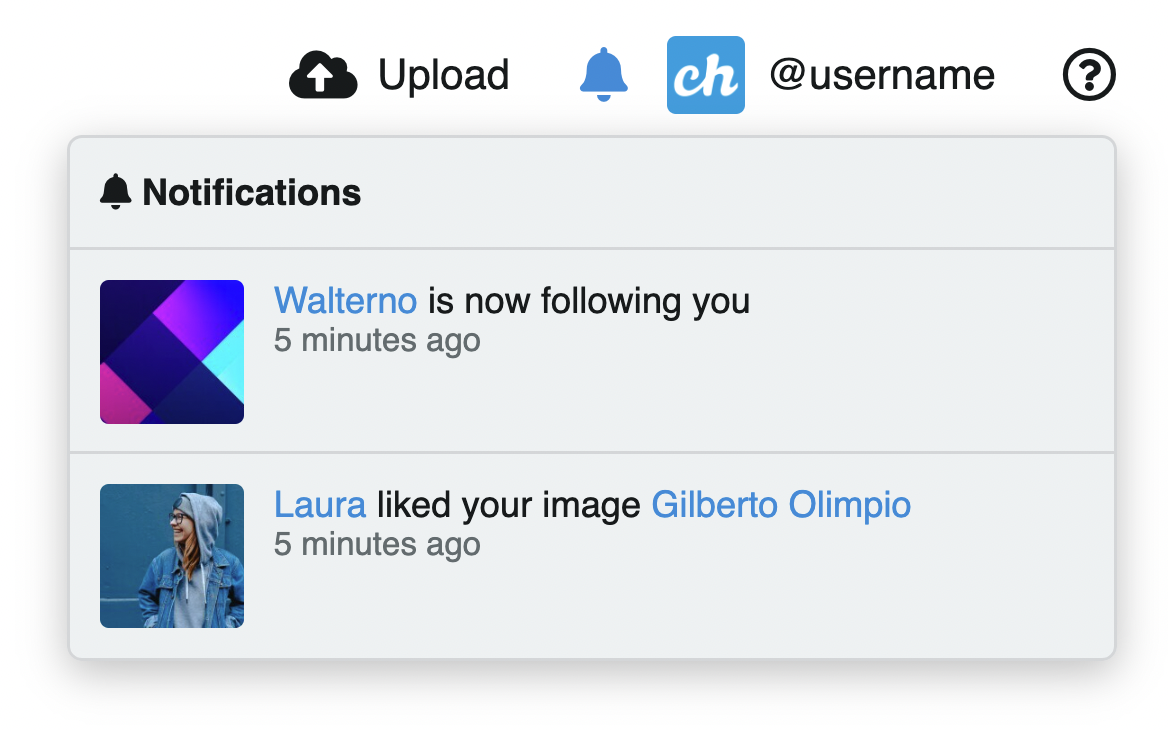
Notifications are located in the top bar, next to the user icon. The icon displays a badge with the count of unread notifications.
# Accessing notifications
- Click the bell icon in the top bar to open the notifications panel (requires Login)
# Notification types
Chevereto generates notifications for the following events:
- Someone likes your media or album
- Someone follows you
- Someone comments on your content (when comments are enabled)
# Marking as read
Notifications are marked as read automatically when you open the notifications panel. The badge count resets once all notifications have been viewed.