# Profile
/settings/profile
In this section you can configure the settings of your user profile.
# Avatar
The avatar corresponds to the user image and will be used extensively to indicate the user and/or their content.
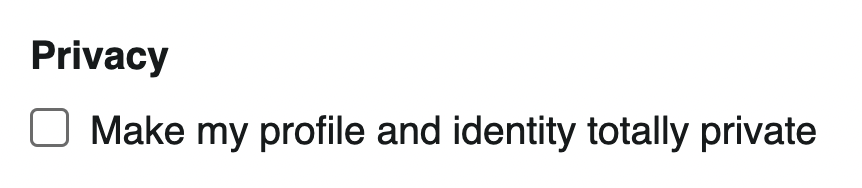
# Privacy
The user profile can be public or private. When the profile is private, the user's identity is hidden from others in their interactions with the system.
# Name
The name corresponds to the user name, this is ideally the user's real name.

# Website
The website corresponds to the user URL, this is the personal website or any other URL.

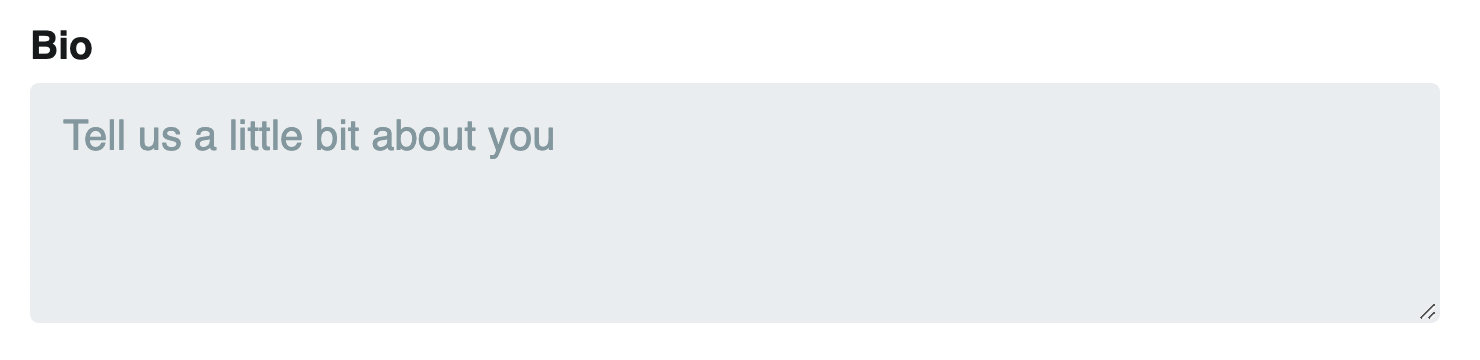
# Bio
The biography corresponds to a self-description, this is what you tell others about yourself.